
How to Search for a McCurtain County Warrant
OSCN comes first for McCurtain County District Court cases. The Court Clerk also links ODCR so you can search yourself, with records reaching back to 1998. Neither one is a complete warrant database. Pull up the named court, walk the docket event history, and then call the clerk for the real answer. A municipal citation needs the city's own route. For a careful McCurtain County search, gather the legal name used in the case, a birth-date range if you have it, the case or citation number, and the likely case type. The Sheriff's Office can field a service question. It posts no public countywide warrant list, so the clerk stays the confirmation point.
- Select McCurtain County District Court in OSCN Docket Search.
- Search by a complete case number, or use last, first, and middle name fields with birth-date and date filters.
- Open the case and read Warrant Issued, Bench Warrant, return/service, appearance, and bond events in order.
- Check Idabel or Broken Bow separately for a city citation. Call the local contact for Valliant, Wright City, or Haworth.
- Confirm the result with the Court Clerk, issuing city court, sheriff, or counsel before acting.
Select McCurtain District Court in OSCN
The OSCN search page is busier than a single name box. It packs in a county and court selector, a case-number route, party name fields, a birth-date range, case-type filters, filed and closed date ranges, and a District Court traffic citation field. That traffic field only covers District Court. It will not find municipal citations, so a city ticket needs the city's portal instead. The county selector matters most for McCurtain County work. Pick the wrong court and the screen looks clean while your case sits somewhere else entirely. The Court Clerk treats OSCN and ODCR as helpful ways to find cases, not as the last word. Confirmation still runs through the clerk's office. The OSCN search source shows every field the official interface offers.
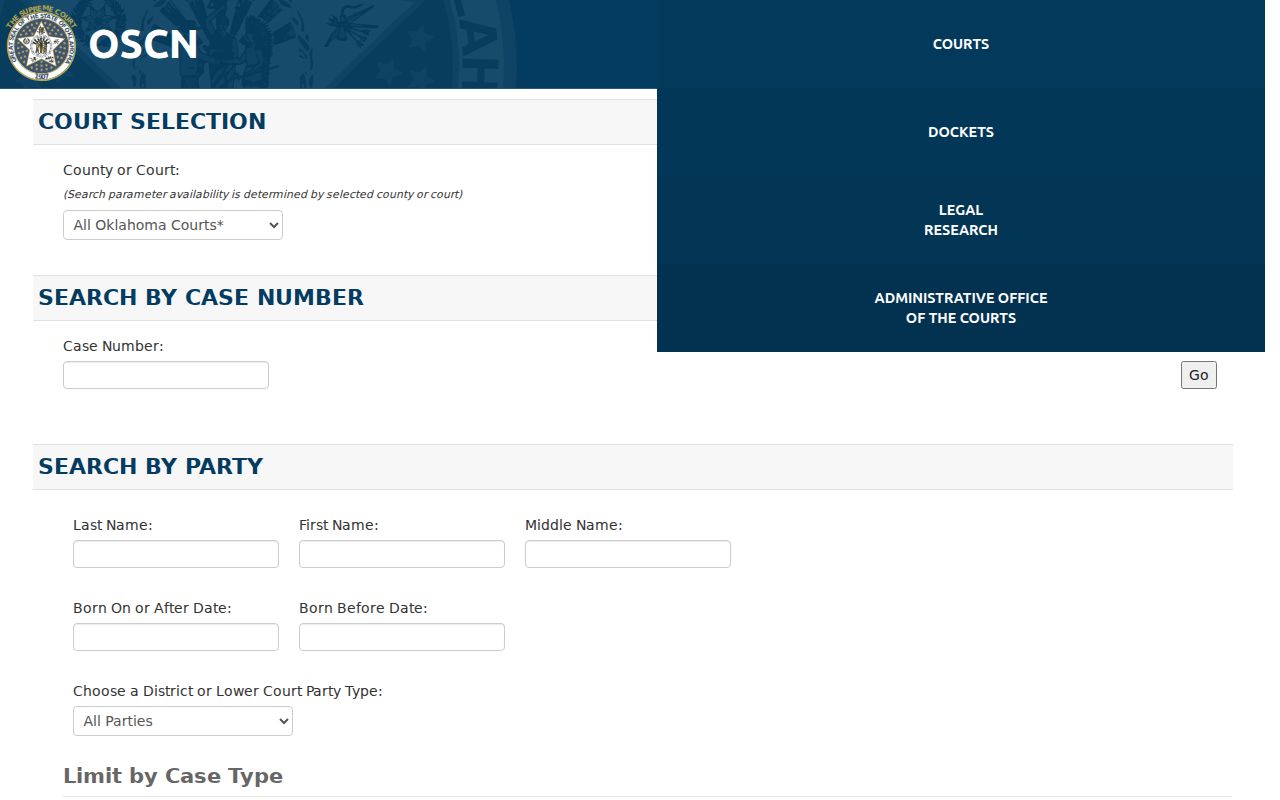
Set the county selector to McCurtain County, then fill in only the fields that match your own paperwork.
McCurtain County Warrant Search Fields
Use the case number whenever a citation, docket paper, bond document, or attorney has given you one. Name searches get sharper with a birth-date range and case type. The McCurtain County fields can change over time. Treat any field list as a guide to the official search form, not a fixed promise.
| Field Label | Type | Required | Notes |
|---|---|---|---|
| County or Court | Dropdown | Route choice | Select McCurtain County District Court for county cases. |
| Case Number | Text | Optional | Use the complete number when known. |
| Last, First, Middle Name | Text | Optional route | Middle name can reduce same-name confusion. |
| Born On or After / Before | Date | Optional | Use a range to narrow a party search. |
| District Court Case Type | Dropdown | Optional | Use the criminal, misdemeanor, traffic, or other category shown. |
| Traffic Citation | Text | Optional | District Court only; municipal citations are excluded. |
When the Clerk Must Fill the Gap
Online searches miss records for ordinary reasons. The case may be municipal, sealed, juvenile, newly filed, outside your date range, or more than ten years old and sitting in paper files. The McCurtain County Court Clerk offers a formal $5 record search. You can request it in person, by mail, or by email with names, years, and whatever case details you have. Mail requesters should include a self-addressed stamped envelope. Copy and certification fees sit on top of the $5. If a file comes back withheld or redacted, ask which office holds it and for the legal basis. The Court Clerk record-search source spells out the full request process.
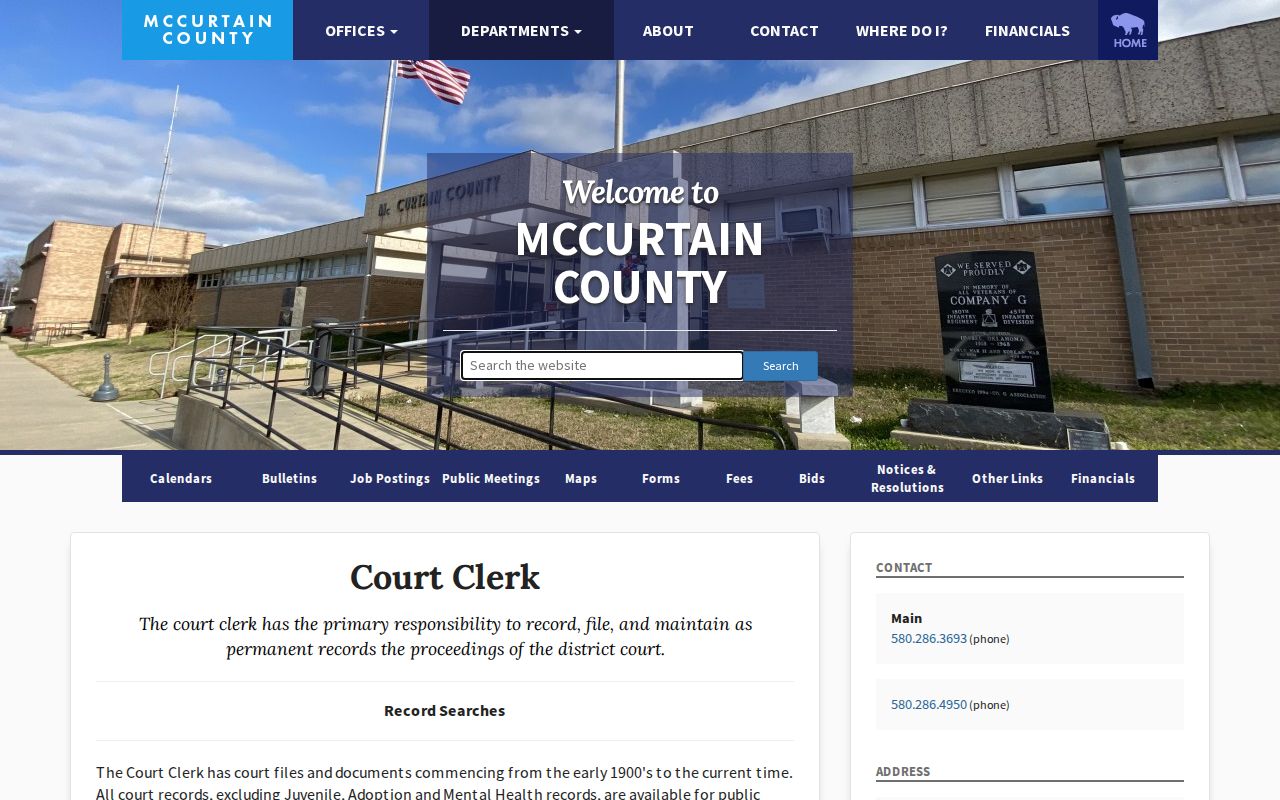
A formal request helps when a screen result falls short. It still promises no same-day answer and no warrant-clearing order from the McCurtain County clerk.
What a McCurtain County Warrant Search Returns
An OSCN case page for McCurtain County can show a case number in the pattern CF-YYYY-NNNNNN, plus the case type, filed date, judge, party lines, event dates, and document references. Warrant labels you may see include Warrant Issued, Bench Warrant, and Bench Warrant Return - Served. A later appearance or bond entry can matter just as much. One line alone does not settle current status.
| Case number | Separates one docket from another; use only your own supplied number. |
|---|---|
| Event label | Shows what was entered, not necessarily the current status today. |
| Return or service | Indicates a recorded process event; ask the sheriff or clerk for meaning. |
| Bond entry | May show an amount or appearance bond, but filing fees are separate. |
| Document link | May be absent, held by the clerk, sealed, or limited by record rules. |
Read Events as a Sequence
Read the docket in order. Start with the case identity, then move through the warrant event, service or return, appearance, bond, recall, quash, and the next setting. Never turn one line into a current active-warrant label without the clerk confirming it. The sequence tells the story. A McCurtain County docket can show "Bench Warrant" and later "Bench Warrant Return - Served," and a hearing after that changes what the person must do next. OSCN itself warns that its display is not the official record. A screen capture is only a lead for your Court Clerk question. The McCurtain OSCN case source shows how the case fields are laid out.
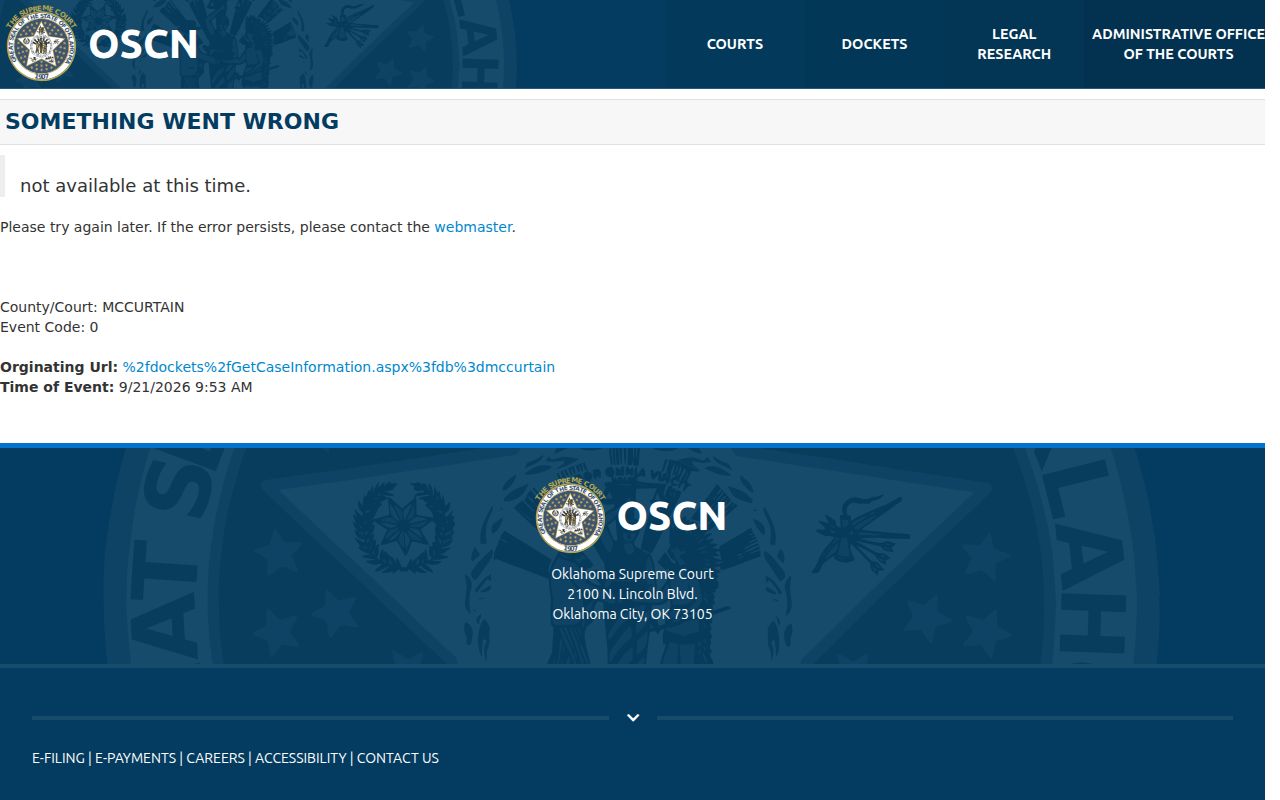
Write down the McCurtain County case number and event dates, then ask the clerk what the official record requires now.
Where McCurtain County Warrants Are Checked
District Court matters run through OSCN or ODCR, with the Court Clerk behind them. Service questions go to the McCurtain County Sheriff's Office. Idabel and Broken Bow municipal cases live on their city portals and with their clerks. Valliant, Wright City, and Haworth have no verified city portal, so call those courts directly. Federal matters belong to the Eastern District of Oklahoma and the U.S. Marshals Service. Oklahoma publishes no single statewide warrant-search portal. Service Oklahoma handles license compliance and suspensions reported by courts, not a public warrant list. A complete check means matching the court on your paperwork to the right office. The official ODCR search source offers another District Court self-search route for McCurtain County.
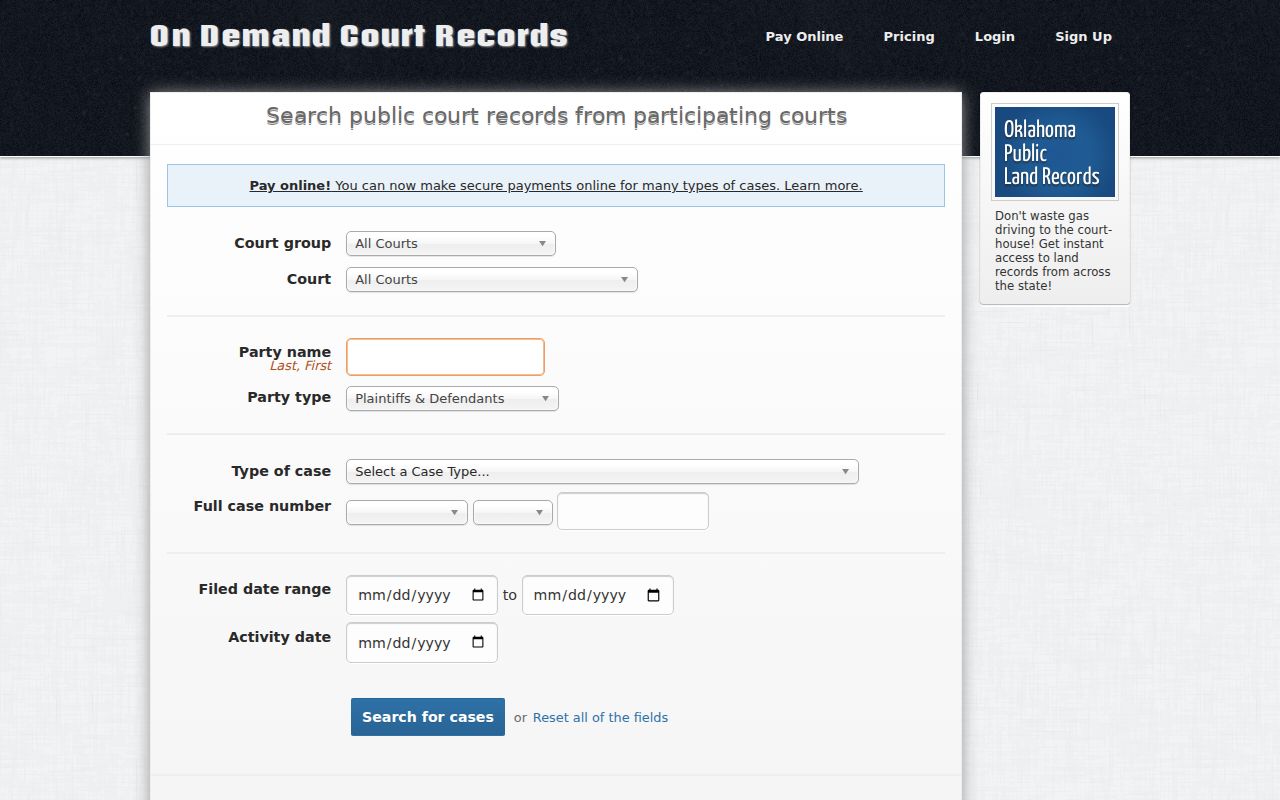
ODCR is a lead, never the record keeper. The McCurtain County court source marks the local District Court route.
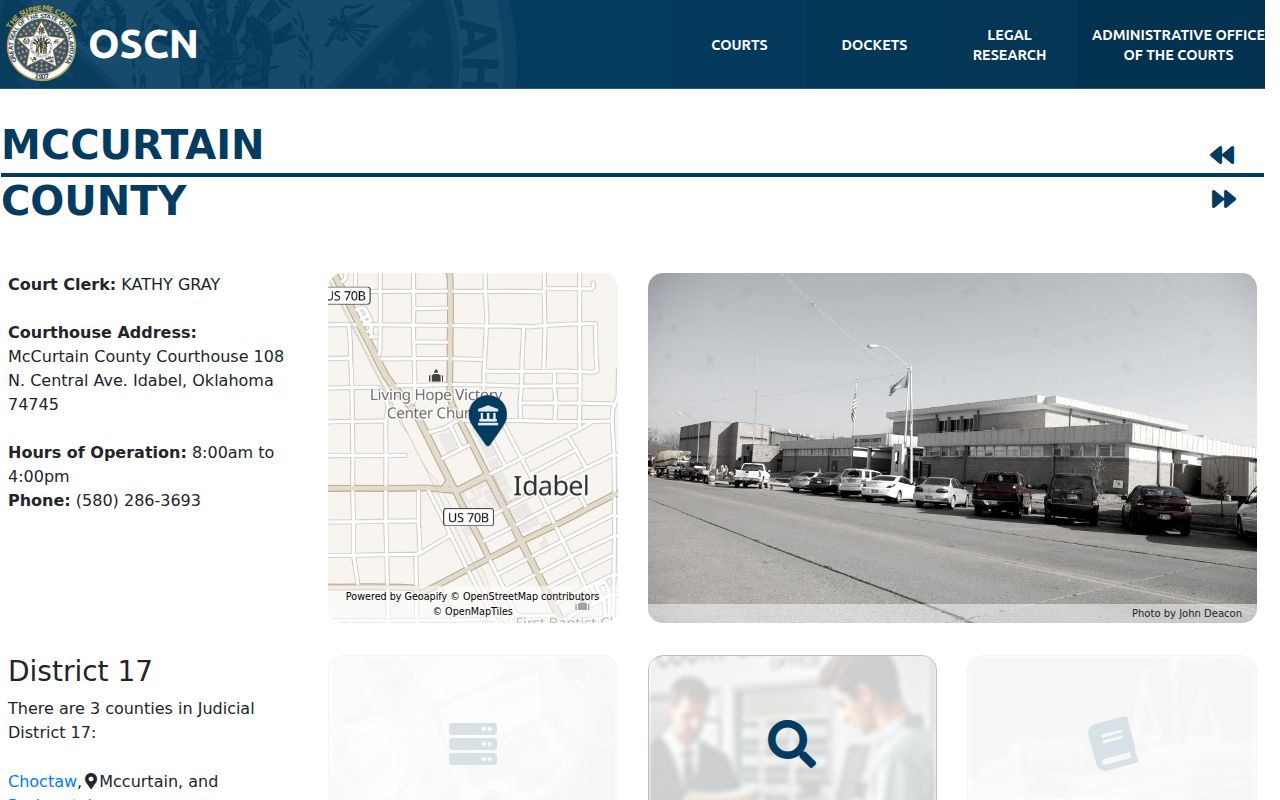
Use the court name on the paperwork to choose the correct system.
City Portals Sit Outside OSCN
Idabel and Broken Bow each run a Tyler-hosted municipal court search. The search fields vary. A lookup can pair citation number and birth date, driver's license and state, vehicle plate and state, name and birth date, or business name. Those fields find a city account, but they do not rule out a McCurtain County or federal warrant. Traffic is where the split bites hardest. OSCN's District Court citation field skips municipal citations. If the paper names a city court, use that city's portal or call the city clerk. If it names District Court, use OSCN and the McCurtain Court Clerk. Keep the two results separate.
Access and Restricted Warrants
Oklahoma's Open Records Act opens the door, but not every record walks through it. McCurtain County's Court Clerk keeps juvenile, adoption, and mental-health records off limits to ordinary public inspection. The same shield covers other files. A warrant or affidavit can stay sealed while a case still needs protection.
Key rules:
Oklahoma Open Records Act supports inspection and copying subject to exemptions.
Title 10A section 1-6-102 protects juvenile court records except for statutory exceptions.
Title 22 supplies separate warrant and search-process rules.
Ask the McCurtain County office that holds the record whether it is public, redacted, sealed, or sitting in another court. A blank search result clears nothing.
A Narrow Search Request Works Best
A written request to the county beats a broad name hunt when you want a clerk-confirmed answer. Keep it narrow. Supply the legal name used in the case, the year or date range, the case type, and any citation or case number. Then ask for public docket entries that show warrant issuance, bench-warrant events, service or return, appearance bond, any recall or quash, and the next setting. Those details are the meat of a McCurtain County warrant check. Don't ask an office to build you a roster of outstanding warrants, because that isn't its job. Tie the request to your own matter or a lawful family-member inquiry. Skip unneeded Social Security or license numbers, and keep the response, receipt, and any later order. If the trail leads to a city or federal court, switch directions in McCurtain County before you act.